Welcome to Evergreen Association of Fine Arts
EAFA is here to help you connect, grow, and exhibit.
Whether you are an emerging artist or refining your style, EAFA offers opportunities to expand your practice.
EAFA’s programs include monthly demonstrations by professional artists, weekly plein air painting practice, and rotating public art exhibition opportunities.
Since 1975, EAFA has provided art connections, exhibits, and learning opportunities. Join us in growing your practice.
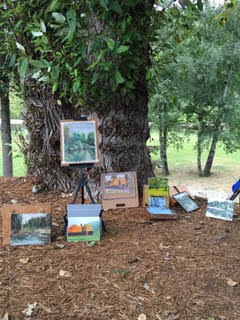
Plein Air – Evans Creek Preserve
9:00 am – 1:00 pm Woods, trails, lupine meadows, streams All sites have parking and…
Plein Air – Juanita Bay Park
9:00 am – 1:00 pm This is NOT Juanita Beach! Wooden walkways and paths through a wetland to views…
Plein Air – Middle Fork Snoqualmie Trailhead
9:00 am – 1:00 pm Low bank river access, mountain views, bridge. There are pullouts before the…
Upcoming Events
Plein Air
This manner of painting dates back to the 19th century and was a central feature of French Impressionism. It’s the practice of painting outdoors to capture the essence of a subject in its natural state. With the inventions of portable tubes of paint and easels the act of “painting out” has become extremely popular all over the world.
Membership in EAFA is not required to join us, but keep in mind that our group benefits a great deal by being part of the EAFA organization. Go to our membership page to join.
Questions? Visit the contact page to inquire about Plein Air!
Plein Air Calendar
Upcoming Exhibition
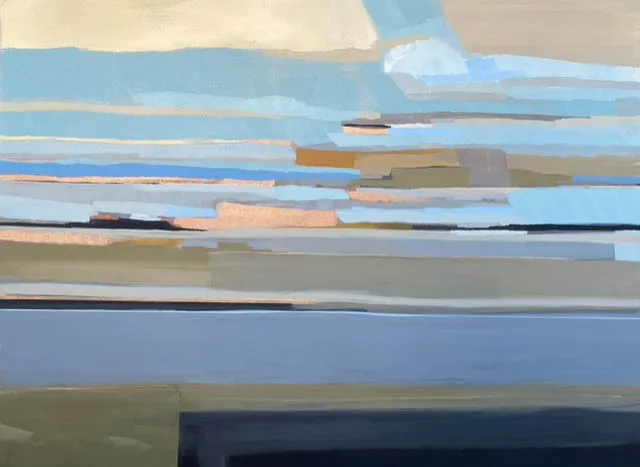
ERA LIVING
12:00 am – 11:59 pm EAFA ERA SHOW HAS BEEN POSTPONED The venue is being renovated, and unfortunately, the Era Living EAFA show must be postponed again until June. The participating artists have been notified already. The new, updated details for the show are as…
Current Exhibition
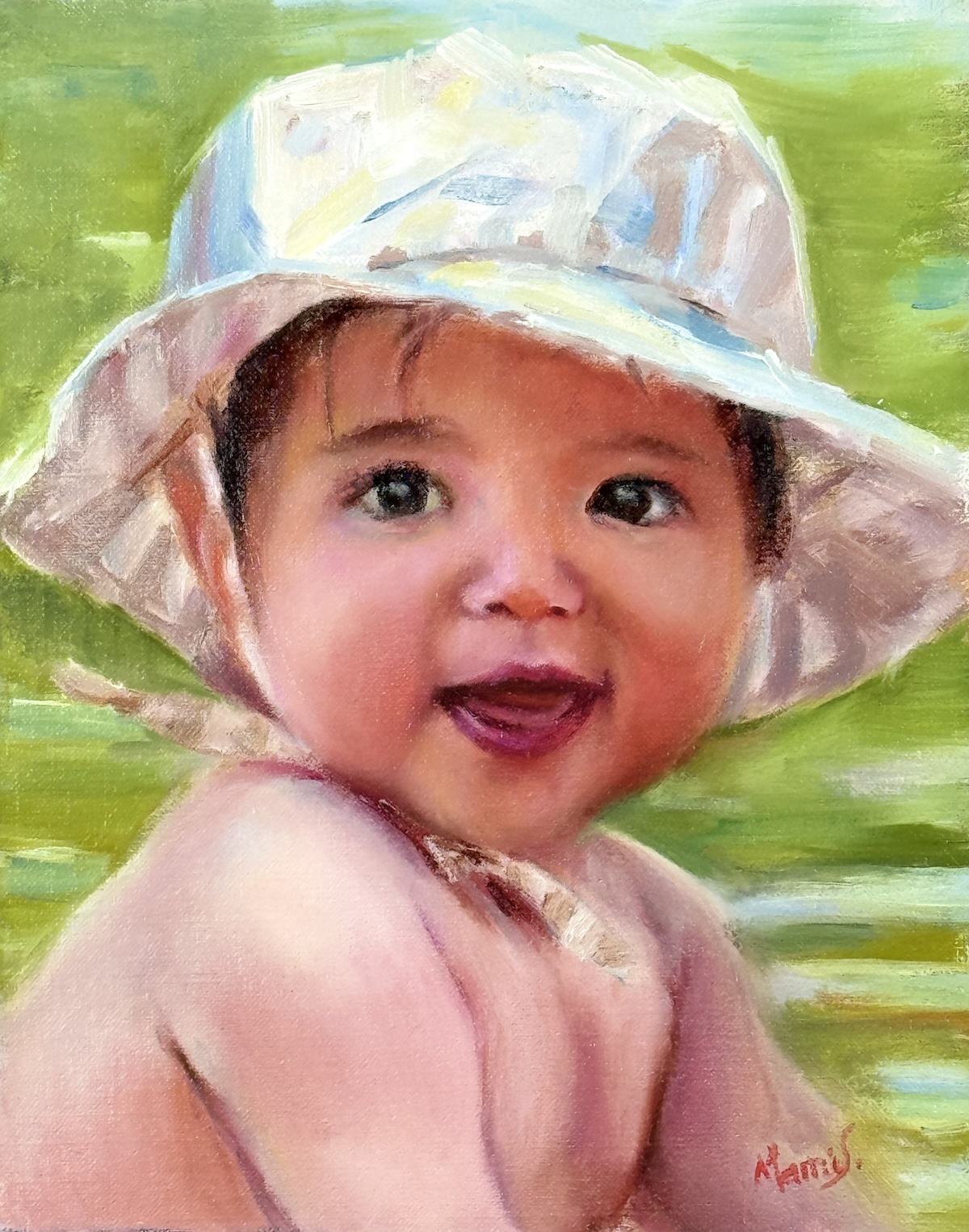
EAFA Members Only Online Show
12:00 am – 11:59 pm Thanks to all the artists who entered the show and the 25 who picked the winners. The First Prize of $500 goes to Mami Shamumura. Second place $300 to Steve Momii, and third place $200 equally split between Gayle Erxleben and Eve Worrell….
Recent Exhibitions
EAFA ERA SHOW HAS BEEN POSTPONED
The venue is being renovated, and unfortunately, the Era Living EAFA show must be postponed again until June. The participating artists have been notified already. The new, updated details for the show are as follows:
DROP OFF: Saturday, June 6th, 2026, 1:00 – 2:00 pm
GALA Thursday, June 11th, 2026, 3 – 4:30 pm
PICK UP ART: Sunday Sept 27th, 2026, 12:00 – 1:00
—
Era Living Exhibitions Art Program
Art brings great value and enriches our lives. Now, more than ever, we seek to find joy in the simple things around us. Art changes our environment, sparks conversations and give us different window on the world. Era Living is committed to its Arts Exhibition program, by making art accessible and refreshing the surroundings and connecting the residents and staff at its retirement communities to local artists.
Click HERE to view the Call for ART Information Sheet with submission details.
Public Arts
EAFA Public Arts Progam
The Evergreen Association of Fine Arts Public Art program provides appreciation and enjoyment of art to public and private audiences. It also gives opportunities to participating EAFA artists to exhibit and sell their artwork at several public and private venues with no extra add on fees or commissions. All sales are made directly between artist and buyer. EAFA receives no commission from the sales.
We welcome new members into our public art program all year. To be a Public Artist you must be a current paid EAFA member.
If you’re interested in displaying your work publicly, click here to learn how To join EAFA’s Public Art Program
Scholarships
Annual Scholarship Application Period
Open 4/15/26 – 6/30/26
The Evergreen Association of Fine Arts awards an annual Scholarship of $1,000 to promote art activity. The scholarship is open to individuals and organizations involved in art education, art creation, art scholarship and art in the State of Washington.
Past recipients have been North Shore School’s after school programs, the North Shore YMCA, Frye Art Museum, Jubilee Reach and the Schack Art Center.
The Board will review and award the Scholarship and the winner will be announced at the September General Meeting of the organization.
Apply below
Download EAFA scholarship application forms
Send the completed PDF to Sharon Blickenstaff, here.
EAFA NEWSLETTER
Evergreen Association of Fine Arts newsletters, which are published monthly except for the summer months of June, July & August, are filled with information about EAFA exhibits, meetings and speakers, awards to members, pictures of paintings from previous demos, and other items you will want to know about. Sign up today!
EAFA PUBLIC ART PROGRAM
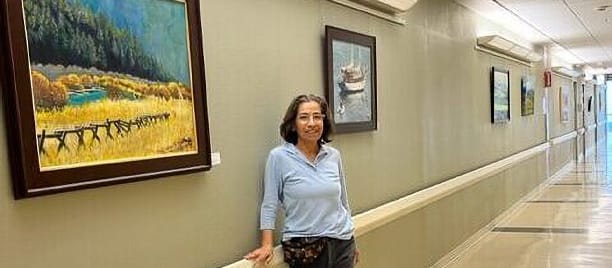
Since 1986 we have exhibited members artwork through the Healing Arts Program at Overlake Hospital. We currently exhibit in four different areas and the exhibits rotate on a quarterly basis. EAFA has coordinated with two local libraries to exhibit art, Bellevue Public Library and Newcastle.
Learn more!